

Betano Germany: sports betting and account features
The German version combines its regional account functions with sports betting and virtual slot games. These are separate from international live-casino products.
Read moreExplore sports betting before kick-off and during play, account registration, the mobile app and the differences between Betano country versions.

Betano is an international sports betting and gaming brand of Kaizen Gaming. Its products and account arrangements are adapted to individual markets.
Betano is the sports betting and gaming brand of Kaizen Gaming. The platform brings sports markets together with account functions for registration, bet slips and payments. Additional game categories depend on the market. The company responsible for a particular account is identified in that regional version's contractual information. Questions about an individual transaction or verification request therefore belong with the support team attached to the account that was actually registered.
Sports partnerships form part of Betano's public presence. Betano is an official partner of FC Bayern Munich for the 2025/26 through 2027/28 seasons. This is a partnership involving the Betano brand. The selected market, operator details and account conditions still determine how a personal account is serviced. These details are available within the regional offering and help direct a login, document or payment enquiry to the appropriate support team.
Read moreUnderstanding a sports bet starts with the event, the selected market and its settlement rules. The displayed price is only one part of the decision.
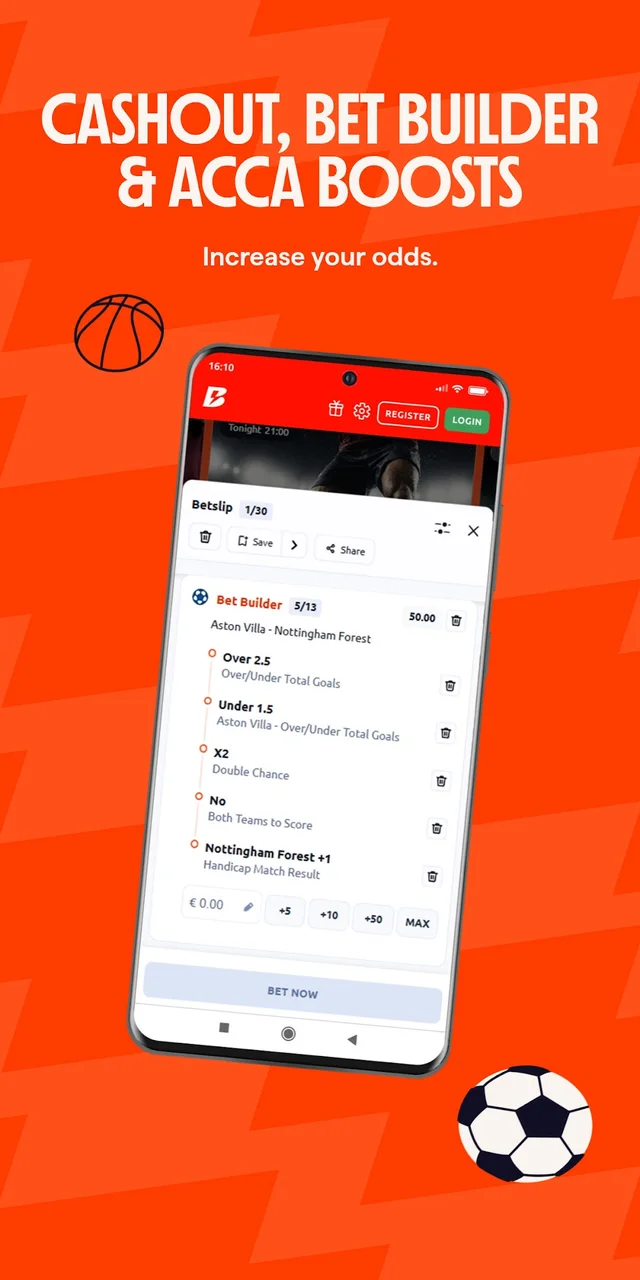
Navigation leads from a sport to a competition and then to an individual event. In football, markets can concern the result, goals or a particular period of play. Check whether the selected outcome covers regular time or another defined period. Bet Builder combines eligible selections within the same event into one bet. Not every selection can be combined; the builder shows the available combinations and the resulting price before the slip is confirmed.
A single bet, an accumulator and a Bet Builder have different structures. A standard accumulator can connect selections across multiple events, while Bet Builder brings together supported selections from one event. Review the stake, outcomes and combined price before submission. The accepted slip in the account then records the actual bet. Cash out depends on the current market and slip status, so its availability is not automatic for every market or every Bet Builder selection.
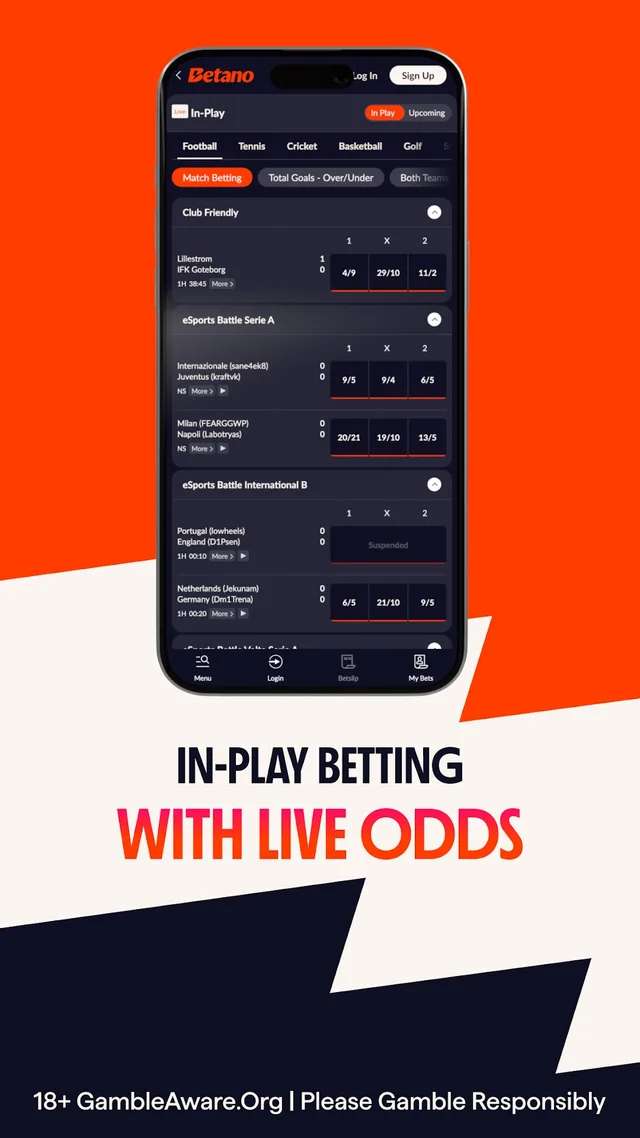
Read moreLive betting covers events already in progress. Prices and markets can change as the event develops, and some markets may be suspended temporarily.
A goal, a point, an injury break or another material event can affect both the price and whether a market remains open. The price first selected may therefore differ from the price available when the slip is submitted. Read the confirmation message and then check the accepted bet in the account. An on-screen score helps navigation, but the event's settlement rules establish how the result of a particular bet is determined.
A broadcast, a score panel and a betting market do not necessarily update at the same instant. An apparent delay should not be treated as a guaranteed opportunity. Extra features also need to be checked individually: cash out, streaming and other tools can depend on the country version, event and market. A displayed cash-out amount can change, and the option may disappear. Check both the offered amount and the current status before confirming a cash-out transaction.
Read moreCasino categories vary between Betano markets. Select the appropriate country version, then explore the game categories available within that account.
Game categories, providers and individual titles offer different ways to browse. Use a category for a broad selection or search by studio and game name to narrow the results. For a particular title, review the rules, available stake settings and the information supplied for that version. An RTP figure describes a theoretical long-run relationship; it does not predict the outcome of a session or promise a return to an individual player.
The country version matters when describing slots, live dealer games and other categories. Germany's virtual slot offering must be distinguished from international casino products. A provider's presence in one market does not establish its full catalogue elsewhere. Open the selected game's information panel to compare its rules and stake options. Before taking part in a promotion, check whether that exact title is included and how play contributes towards its requirements.
Read moreRegistration begins with the appropriate country version. The form then collects the personal details and contact information required for that account.
Enter a name, date of birth and address that agree with the documents used for later checks. A spelling difference can create an avoidable mismatch even when the underlying information is correct. Use an email address and telephone number that remain accessible, since they may be needed for confirmation and recovery. Before submitting the form, check the region attached to the registration and read the account conditions presented there.
Submitting a registration form does not necessarily finish every account check. Contact confirmation, identity verification or other steps may remain visible in the account area. Follow the specific request rather than assuming that a successful login means all functions are ready. If an account already exists, first recover its access and clarify its status. Creating another account without reviewing the applicable rules can complicate the original issue instead of resolving it.
Read moreUse the login for the country version in which the account was opened. A shared brand name does not make every regional account system interchangeable.
Check the identifier requested by the form and the details entered by the browser's password manager. Saved credentials may belong to an old entry or a different address. If the form rejects the login, confirm the regional website before trying multiple combinations. The precise message matters: an incorrect password, an unfinished account check and an unavailable page are different issues and require different next steps.
For a forgotten password, use the recovery option linked to the login form. Make sure the message goes to the contact address registered on the account and follow the current recovery process. If that address is no longer accessible, the account's own support team needs to explain the identification steps. When asking for help, provide the stage and exact error message, without sending a password or other private authentication details in public.
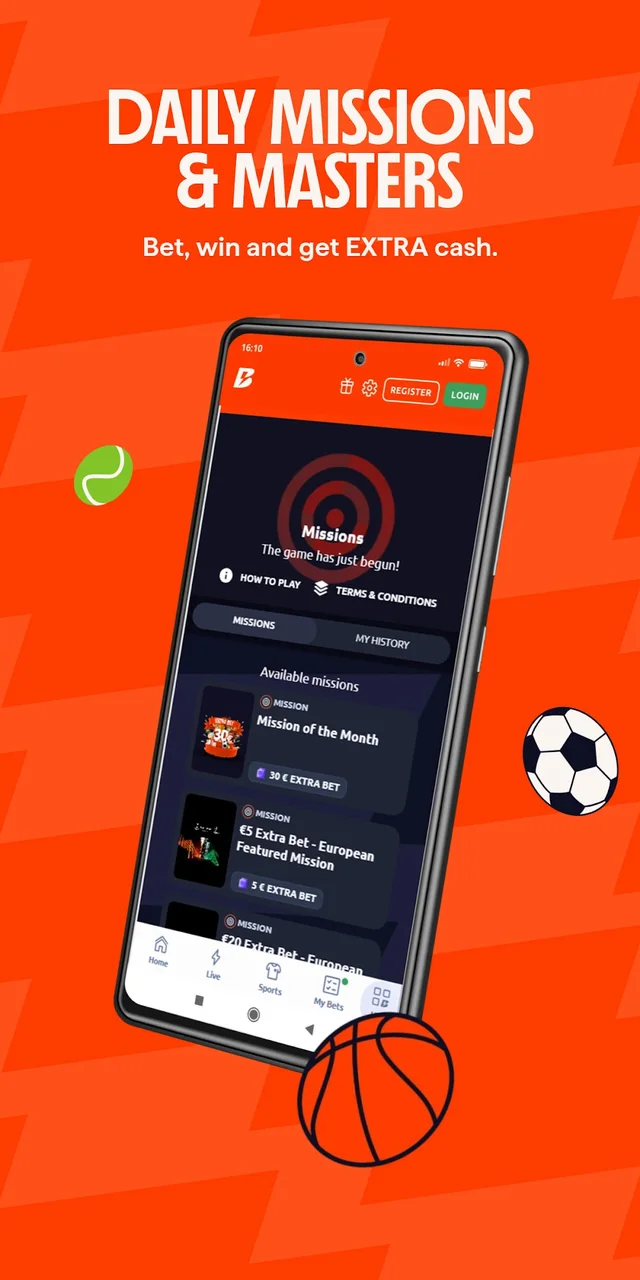
Read moreA promotion is defined by its conditions as well as its headline. Check whether the offer applies to the account and how participation is activated.
Before taking part, identify the action that qualifies: it might be a particular deposit, bet or separate opt-in. If participation requires an opt-in, complete it before making the qualifying transaction. Read any restrictions concerning markets, payment methods or account groups, and establish whether a code is actually needed. An international offer or another partner's campaign is not a reliable substitute for the terms of the offer shown to the individual account.
Where the conditions include qualifying odds, wagering requirements, deadlines or maximum amounts, those details must be considered together. Free bets may also have their own treatment of the original stake. Compare the award with the qualifying action and check whether the activation process actually requests a code. For an activated campaign, the status in the account helps establish whether participation was recorded and which requirements remain. A bonus heading alone does not establish that an award is withdrawable cash.
Read moreAn installed app and the mobile website are separate ways to access the product. App availability depends on the device, store region and country version.
Begin with the official regional product page or the store entry that it identifies. Check the publisher, supported region and system requirements before installation. A similar app name or a familiar icon is not enough to establish the correct application. Android and iPhone may use different installation routes, and an app offered in one country's store does not automatically support accounts from another market.
After installation, use the existing account for the corresponding version. If the app fails to open or display a section, check the operating system, application version and connection first. Updating an app can fix an installation issue, but it cannot complete an outstanding account review. When a suitable store entry is unavailable, check whether the regional mobile website provides the required access. A store link provided by the relevant regional product page helps identify the correct publisher and app version.
Read more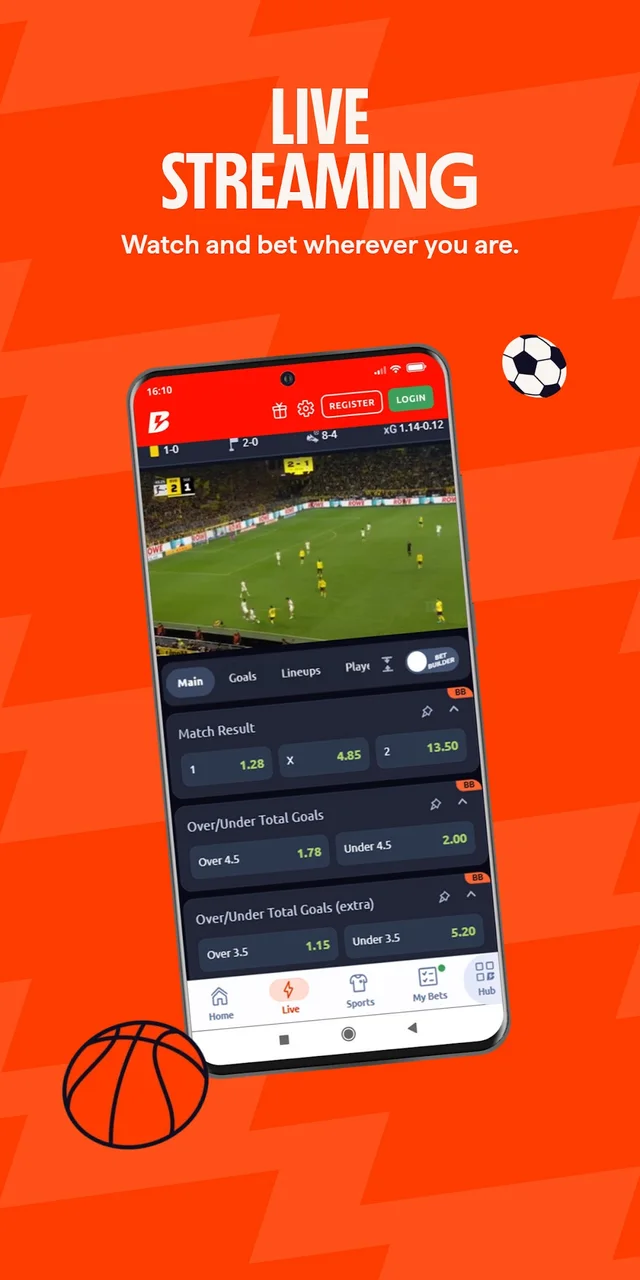
The account cashier is the starting point for payment information. Methods, account currency and withdrawal requirements depend on the relevant country version.
Before making a deposit, check whether the intended payment method can also receive a withdrawal and whether any additional conditions apply. Different methods may have different transaction limits, processing stages or requirements. Read the information attached to that method rather than applying a figure copied from another region. Check any fee, minimum amount and processing stages before confirming the transaction. For a withdrawal, follow the actual status of the request in the account.
A withdrawal may require completed account checks and confirmation that the payment instrument belongs to the account holder. Review the name, payment details and status of any existing request before creating another. If a payment appears to be missing, keep its reference, time and displayed status available. A submitted request, an approved transaction and receipt by the external payment provider are distinct stages, so describing them separately makes a support enquiry more useful.
Read moreVerification connects the account to the personal information and, where requested, payment details of its holder. The exact request determines which evidence is needed.
Read the document request before uploading anything. A complete, readable image is more useful than several cropped or heavily compressed copies. Names and addresses should agree with the account profile; if they have changed, clarify the update process first. Uploading a different document repeatedly without reading the feedback may leave the original mismatch unresolved. File type and size requirements should come from the upload screen, not a generic international instruction.
Use the designated upload function of the correct country version. After submission, follow the status shown in the account and any specific follow-up request. There is no universal completion time that can be assumed for every review. If help is needed, identify the document category and the exact response received. Open the document area within the logged-in account so that the upload is attached to the correct check. Registration, contact confirmation and payment-method checks remain separate processes even when displayed in the same account area.
Read moreA page that fails to load is not the same as a rejected login. Begin by identifying the country version, the affected page and the exact error.
Check whether the homepage opens and whether the problem affects only a particular section. An outdated bookmark can lead to a removed path even when the website itself is available. Starting from the appropriate regional homepage can help distinguish a broken route from an account issue. Compare the result in a mobile browser when relevant, and note whether the error occurs before login or only inside the account.
Reloading a page or trying another browser can help diagnose a display problem, but it does not remove an account restriction or change regional availability. Maintenance, connectivity and account reviews need to be considered separately. If a saved section link has changed, begin at the correct regional homepage and reopen the section through its navigation. For a support enquiry, retain the device, browser, affected step and exact message. Keep passwords and sensitive account information out of public screenshots and comments.
Read moreThe Betano brand spans different regional products. Language, registration, payment options and available game categories are not necessarily the same across them.
The German version combines its regional account functions with sports betting and virtual slot games. These are separate from international live-casino products.
Read more
A search for Betano Chile concerns the Chilean version. Website information, account registration and payment conditions must be checked within that regional context.
Read more
For Betano Argentina, the specific regional version determines account access. The Province of Buenos Aires offering requires physical presence within that province.
Read moreBetano brings pre-match and in-play sports betting together with a personal account. Additional game categories follow the chosen market; Germany has a separate virtual slots area.
Select the country or local region first, then choose a suitable language within that version. This keeps the account and product selection together.
Use the login attached to the original registration. Previous bet slips, payment statuses and outstanding account steps remain connected to that profile.
Yes. Mobile browser access and the app offered for the relevant version provide mobile routes. The installation process depends on the device and store.
Choose the appropriate regional version and prepare the details requested by its registration form. The account area then shows any remaining confirmation steps.
Each promotion includes its participation conditions. Payment details appear with the method in the cashier, while sports market rules explain the relevant settlement.